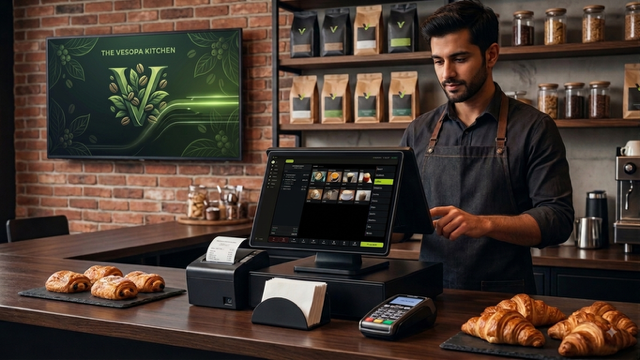
We are thrilled to announce that Vesopa EPOS is officially live on the Microsoft Store! Store certification is 100% complete, bringing our Version 1.0.0 Stage 1 Official Release directly to your Windows terminals and PCs with a single click.
🎉 Version 1.0.0 Stage 1 Published and Live
Get instant access to native desktop speed, hardware peripheral support, and offline resilience directly from Microsoft.

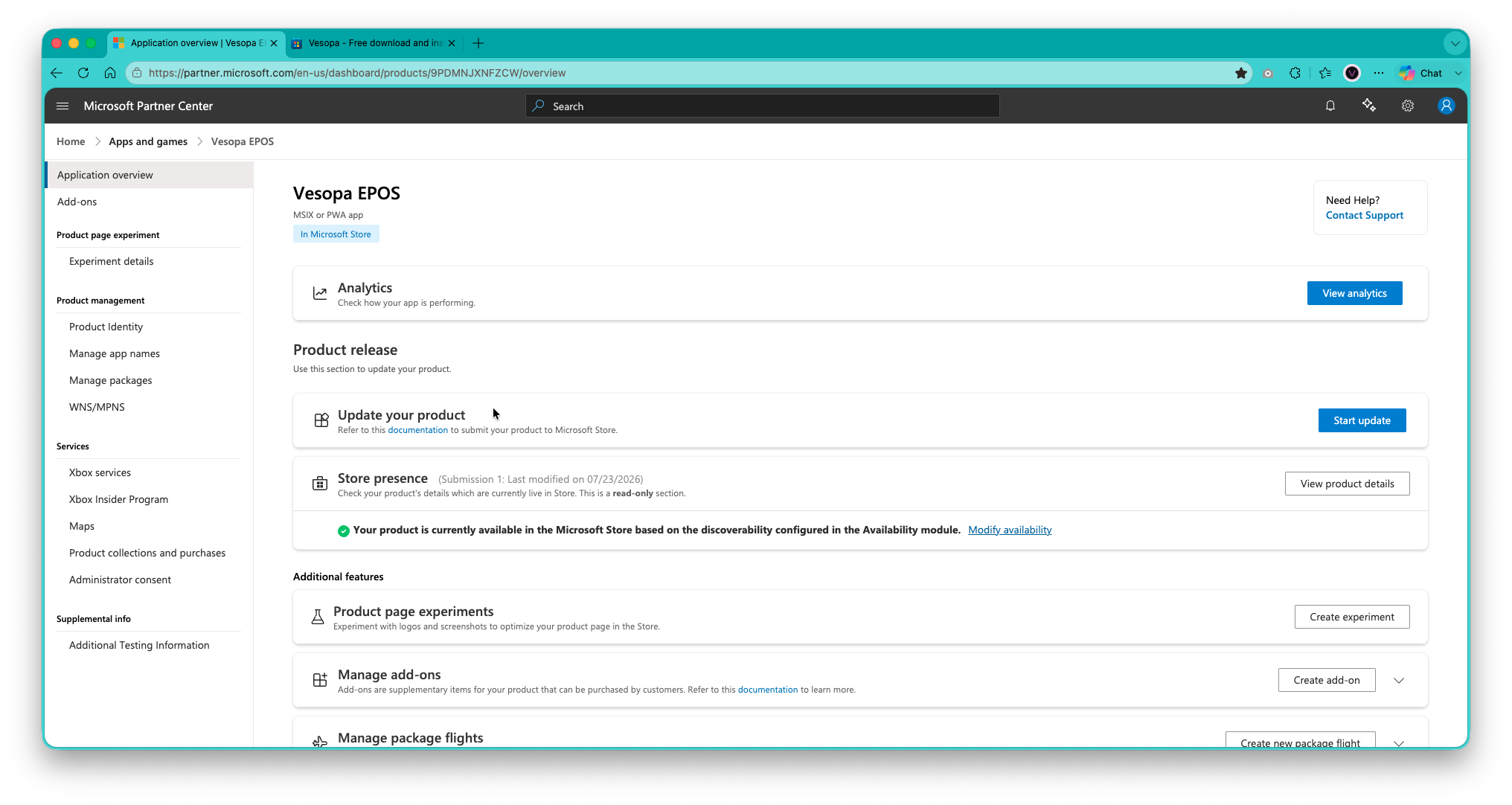
✅ Microsoft Store Pipeline Status: 100% Complete
Step 1: Submission
App binary package compiled, signed, and uploaded to Partner Center.
✓ CompletedStep 2: Pre-processing
Automated security, virus scans, and package integrity validation passed.
✓ CompletedStep 3: Certification
Full compliance, security verification, and UI checks approved by Microsoft.
✓ CompletedStep 4: Publishing
Store listing published globally across the Windows Store network.
✓ Completed🚀 What's New in Version 1.0.0 Stage 1
🖥️ Touchscreen POS Engine
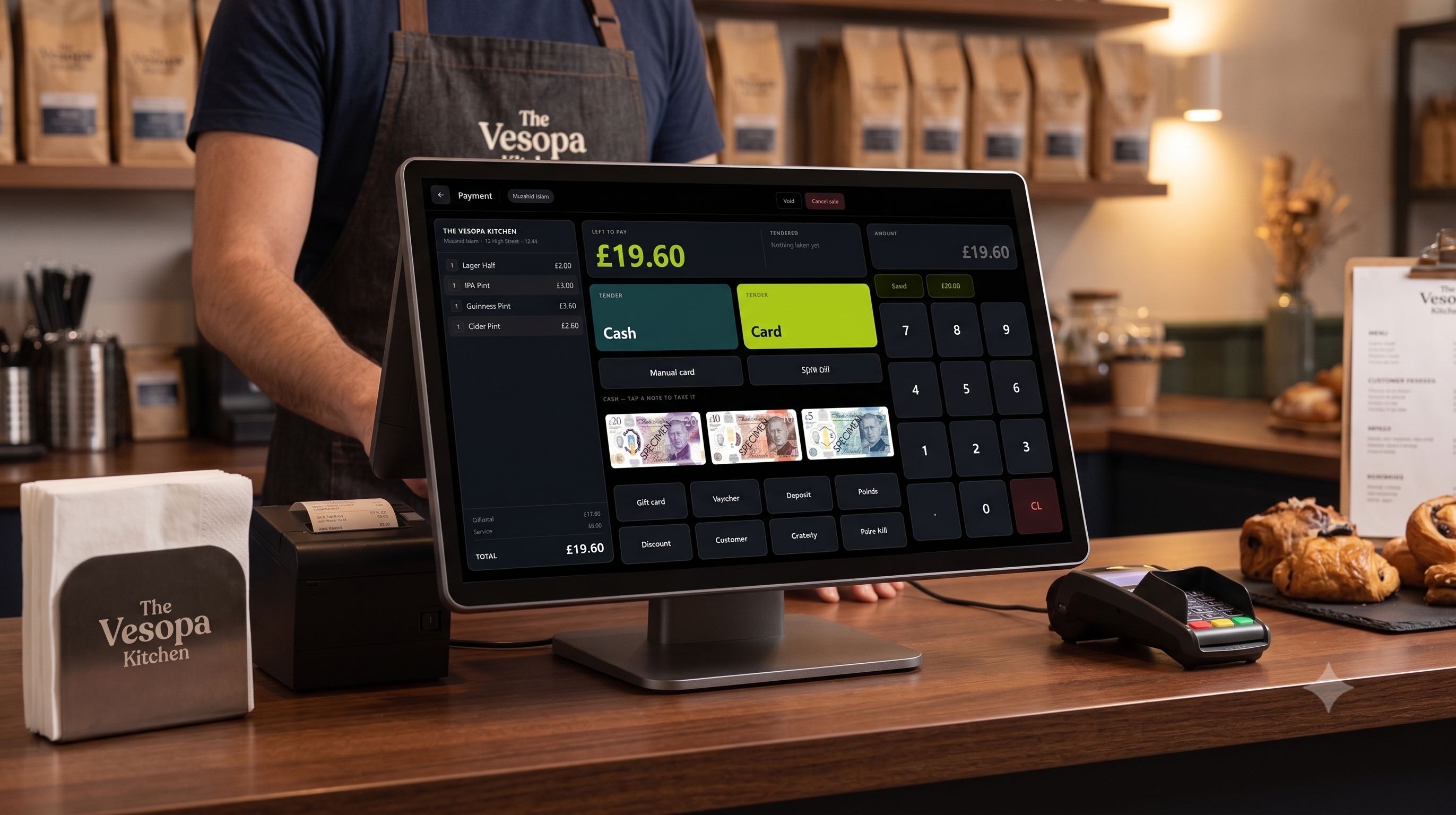
Launched our core touchscreen interface featuring custom product-to-button mapping designed for rapid item selection and high-speed checkout operations.
🍽️ Table Management Suite
Introduced comprehensive dining room tools, including open table tabs, instant table transfers, and split-bill processing for full hospitality workflow flexibility.
🎁 Loyalty and Membership System
Added automated loyalty point accumulation, discount application tools, and direct-from-till membership renewal and expiration tracking.
🖨️ Hardware and COM Port Integration
Activated reliable serial COM port communication for 80mm thermal receipt printing, custom business logo headers, and automated kitchen printer order routing.
💳 Order and Transaction Controls
Enabled one-touch item voiding, full order cancellation, automated change calculation, and integrated payment terminal SDK support for seamless card processing.
📊 Financial Reporting and Back Office
Implemented instant X Reports for live sales tracking, End-of-Day Z Reports for register resets, and full back-office tools for staff, pricing, and product management.
The Hero Image: Vesopa EPOS official listing page on the Microsoft Store.
How to Install in 3 Easy Steps
- Open the Microsoft Store app on your Windows terminal or PC.
- Search for "Vesopa EPOS" (or click our official store link below).
- Click Get / Install and launch the app to link your store license key!