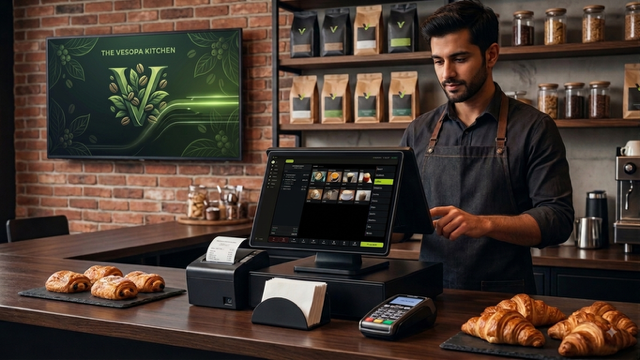

Vesopa EPOS Version 1.3.3.0 is officially published and rolling out across the Microsoft Store network. This highly anticipated update introduces a completely rebuilt, modern payment screen designed from the ground up for maximum speed and readability at the checkout counter.
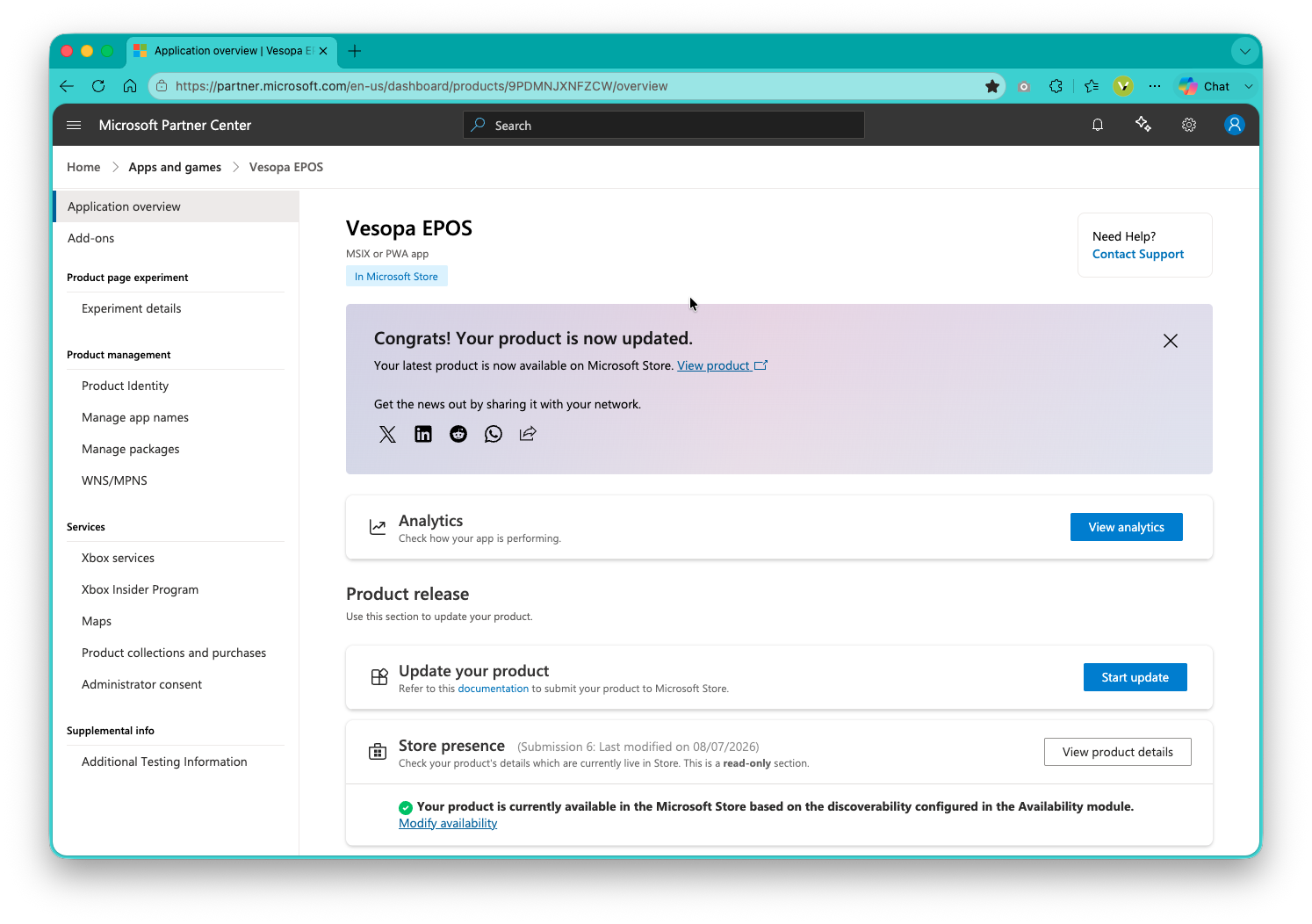
Vesopa EPOS Version 1.3.3.0 publication completed in the Microsoft Store.
What is New in Version 1.3.3.0 – A New Payment Screen
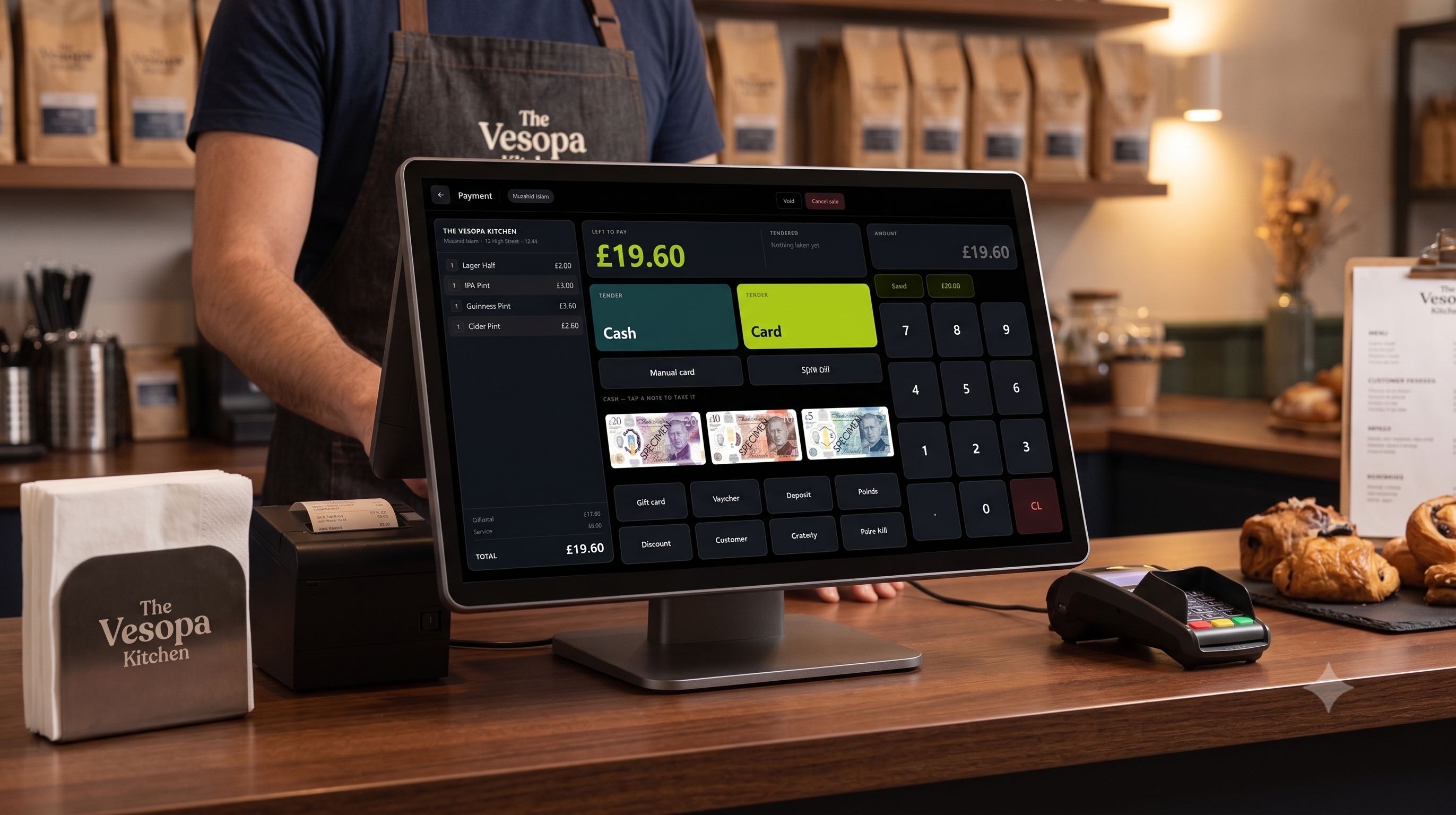
The payment screen has been rebuilt from the ground up. It is now a single dark board divided into three distinct columns: the bill on the left, the money in the middle, and the keypad on the right. The till now dedicates the entire screen exclusively to taking payment, ensuring zero distractions.
Bigger Where It Matters
Cash and Card are now by far the largest keys on the screen, sized perfectly so cashiers can hit them without looking down. The different note keys sit above them at a proper size, big enough to match against what is in the customer hand at a glance. Secondary options like Gift card, Voucher, Deposit, Points, Discount, Customer, and Gratuity are now half the height, tucked neatly into a single block along the bottom edge.
Clearer Money and Change Due
What is left to pay is the biggest number on the screen, highly readable from the far side of a counter. Every payment taken is listed beside it as it happens, and cash is spelled out as the exact notes it was made of. Hand over three twenties, and you will see three twenties listed. Any change due gets its own dedicated panel for instant clarity.
Print Bill Directly From Payment
The Print Bill option is now located on the payment screen itself. If a table asks for the bill at the last second, staff no longer need to back out to the main sale screen to find the print function.
Responsive Typography and Themes
The bill is set in larger, cleaner type with the total acting as a headline. The entire screen naturally follows your system Day or Night setting. On smaller tills and handheld devices, the layout intelligently rearranges itself to maintain usability rather than just shrinking the keys.
How to Update Your Terminals
- Open the Microsoft Store app on your Windows till terminal.
- Navigate to Library and click Get Updates.
- Click Update next to Vesopa EPOS to install Version 1.3.3.0 immediately.