
Vesopa EPOS Version 1.3.4.0 is officially published and rolling out across the Microsoft Store network. This feature-packed update brings a completely redesigned sale screen that unifies our visual design language, powerful multi-kitchen printer routing, and workflow
What is New in Version 1.3.4.0 – Redesigned Sale Screen & Smart Kitchen Printing
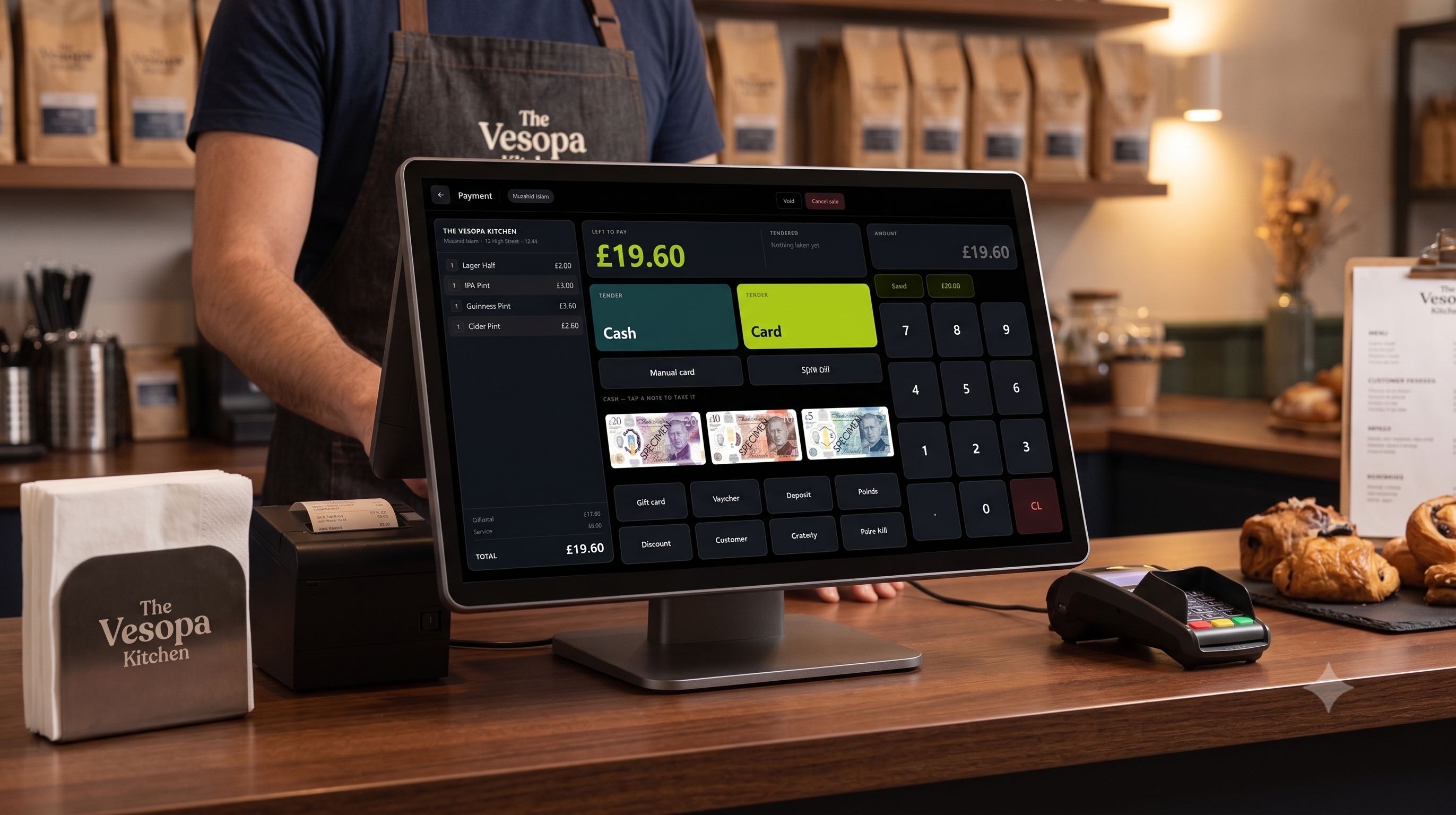
Following the rebuilt payment interface in our previous release, Version 1.3.4.0 aligns the main sale screen to match that same clean, high-efficiency design framework.
A Unified 3-Column Sale Board
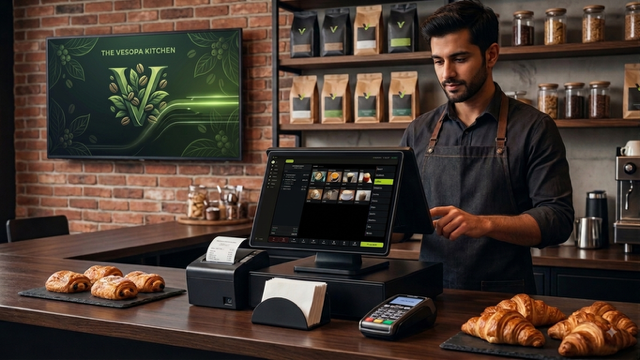
The main sale screen now mirrors the payment screen layout as one cohesive dark board: the bill on the left, product tiles in the middle, and category navigation down the right. Product buttons maintain a uniform grid—name at the top, image in the middle, and price at the bottom. Prices can now be toggled off in Back Office for a cleaner look, and the Pay key now explicitly displays the exact charge total before tapping.
Multi-Kitchen Printing (KP 1 to KP 6)
You can now configure up to six independent kitchen printers (KP 1 through KP 6). In the Back Office, assign products to specific printers—or route a single dish to multiple stations at once. Tickets fire automatically when an item is sold or saved to a table. Best of all, our smart delta-printing ensures only newly added items print, so adding drinks to a table throughout the evening won't re-print earlier courses.
Frictionless Receipt Workflows
We've eliminated the repetitive post-sale prompt asking whether the customer wants a receipt. You can enable automatic receipt printing in the Back Office for hands-free operation, or let staff print on demand with a single tap from Receipts or Last Bill.
Instant Sign On / Off & One-Tap Data Sync
Sign On and Sign Off controls now sit permanently in the top-right corner of every screen, directly beside the active shift name for effortless staff handovers. Additionally, the Catalogue button has been transformed into Refresh Data (also accessible on the Functions screen) for instant one-tap syncs of products, prices, and staff profiles.
Back Office Enhancements
The Back Office dashboard now opens directly on Today for immediate daily reporting. We have also resolved an issue where adding a new product category with a custom button image would occasionally fail.
How to Update Your Terminals
- Open the Microsoft Store app on your Windows till terminal.
- Navigate to Library and click Get Updates.
- Click Update next to Vesopa EPOS to install Version 1.3.4.0 immediately.