We are excited to announce that Vesopa EPOS Version 1.1.0 is officially published and live in the Microsoft Store! This milestone update delivers DOJO and PaymentSense integration, a redesigned payment workflow, custom button media, and streamlined terminal layouts.
🚀 Version 1.1.0 Update Is Live in Microsoft Store
Existing Windows terminals will update automatically, or you can download the latest release directly today.

What's New in Version 1.1.0
1. Optimized Dashboard & Maximized Workspace
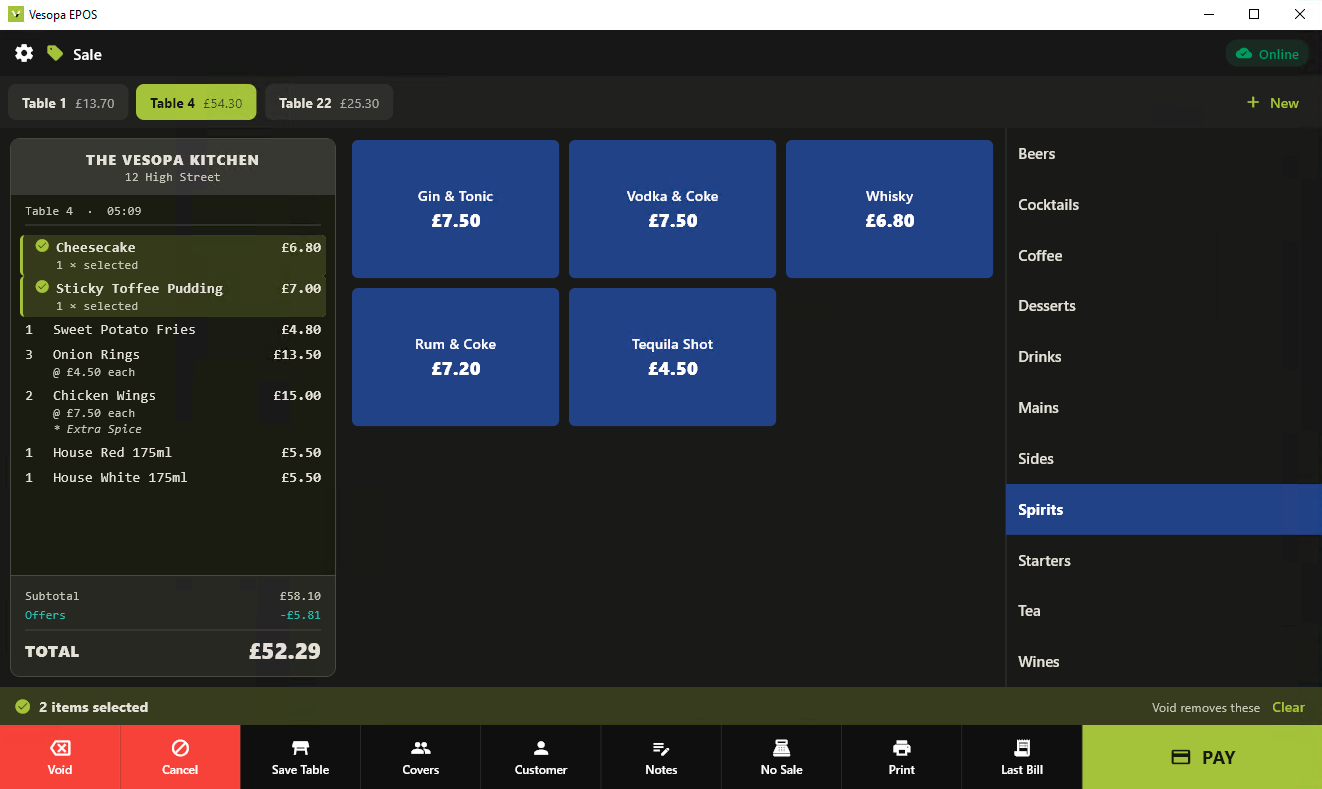
Hid the left navigation panel behind a dedicated Settings icon to maximize register workspace, and enlarged the category panel to comfortably fit 10+ categories without scrolling.
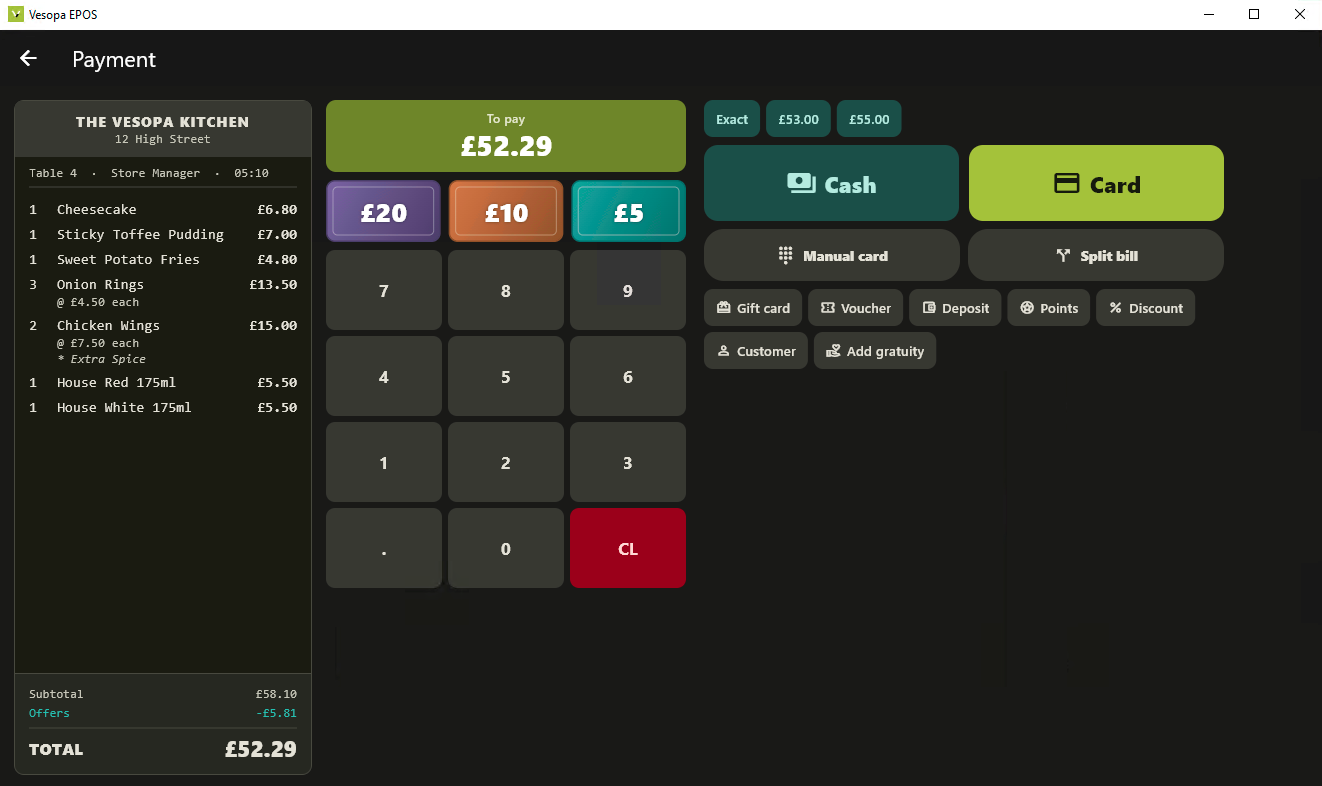
2. Redesigned Payment Interface
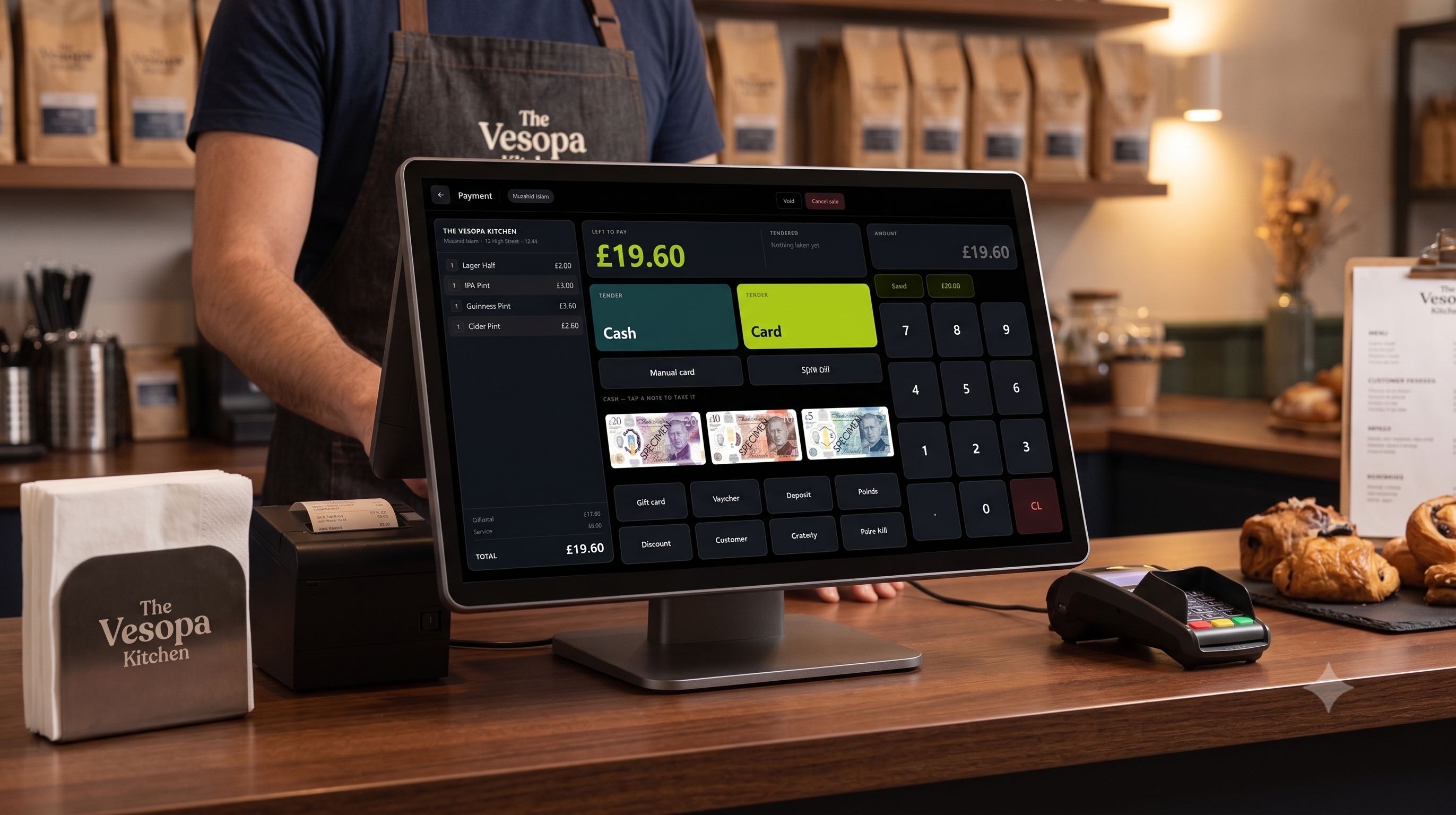
Expanded Card and Cash payment controls, optimized check view proportions for quick order auditing, and introduced large quick-cash selection buttons for fast tenders.
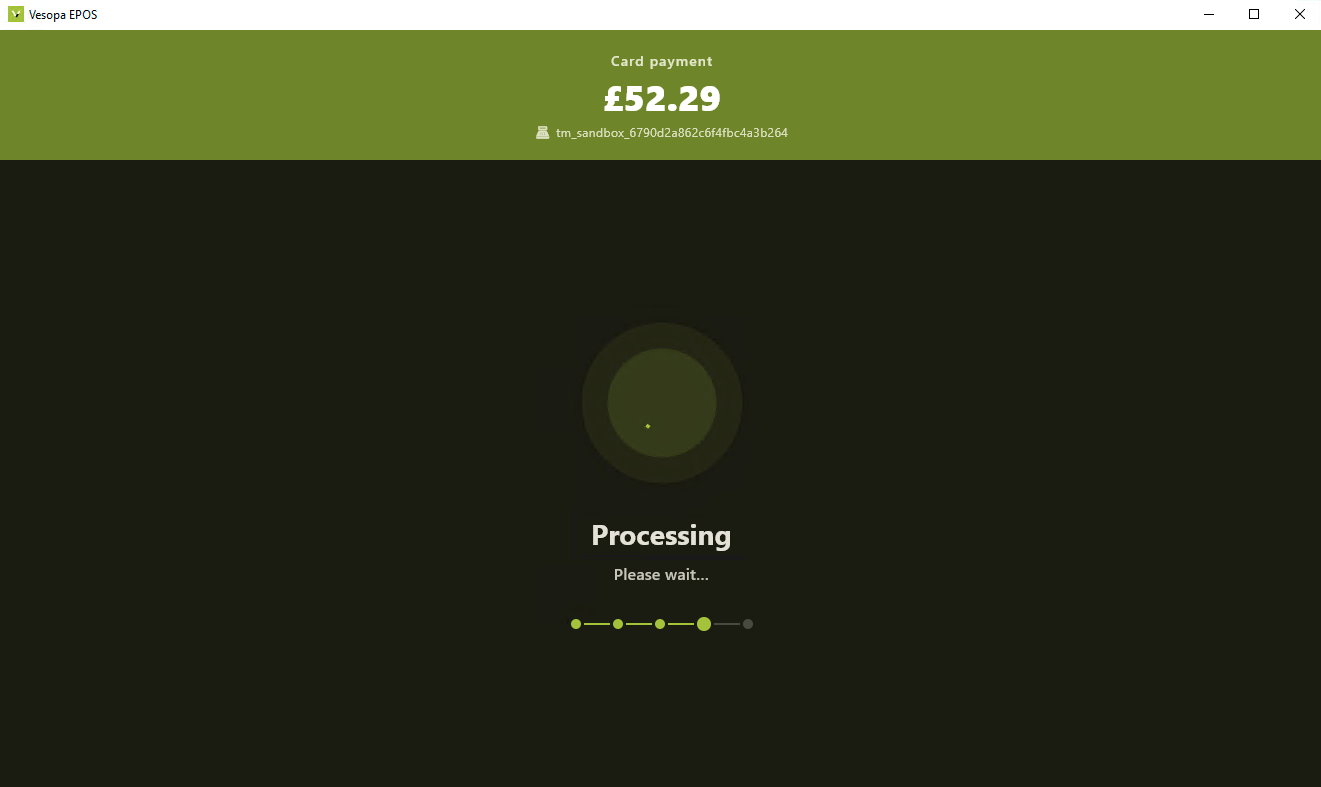
3. DOJO / PaymentSense Terminal SDK Integration
Fully integrated the official DOJO and PaymentSense SDK for native live card payments, direct terminal communication, and updated configuration setup controls.
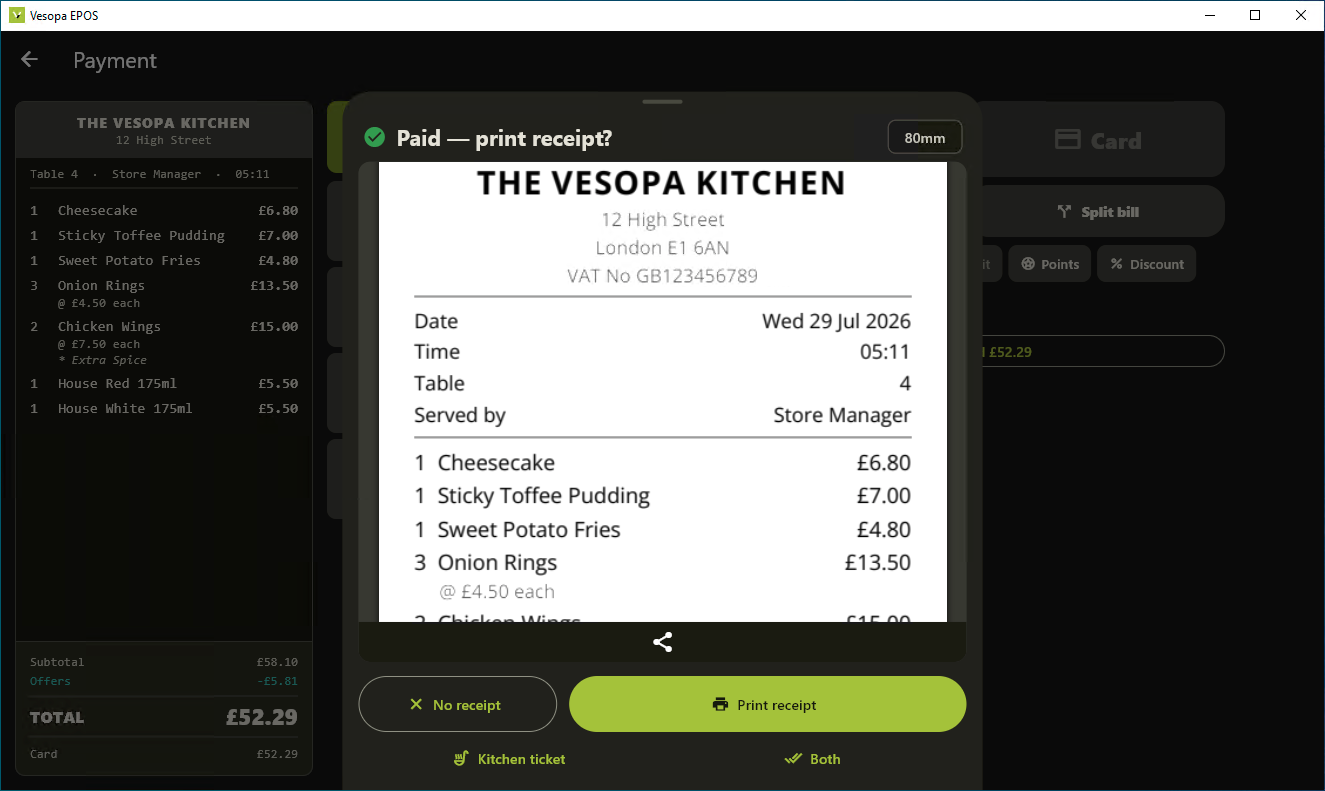
4. Order Paid Invoice Printing
Upgraded thermal print engine layouts for paid order invoices, incorporating clean customer breakdown formatting, custom business headers, and VAT breakdowns.
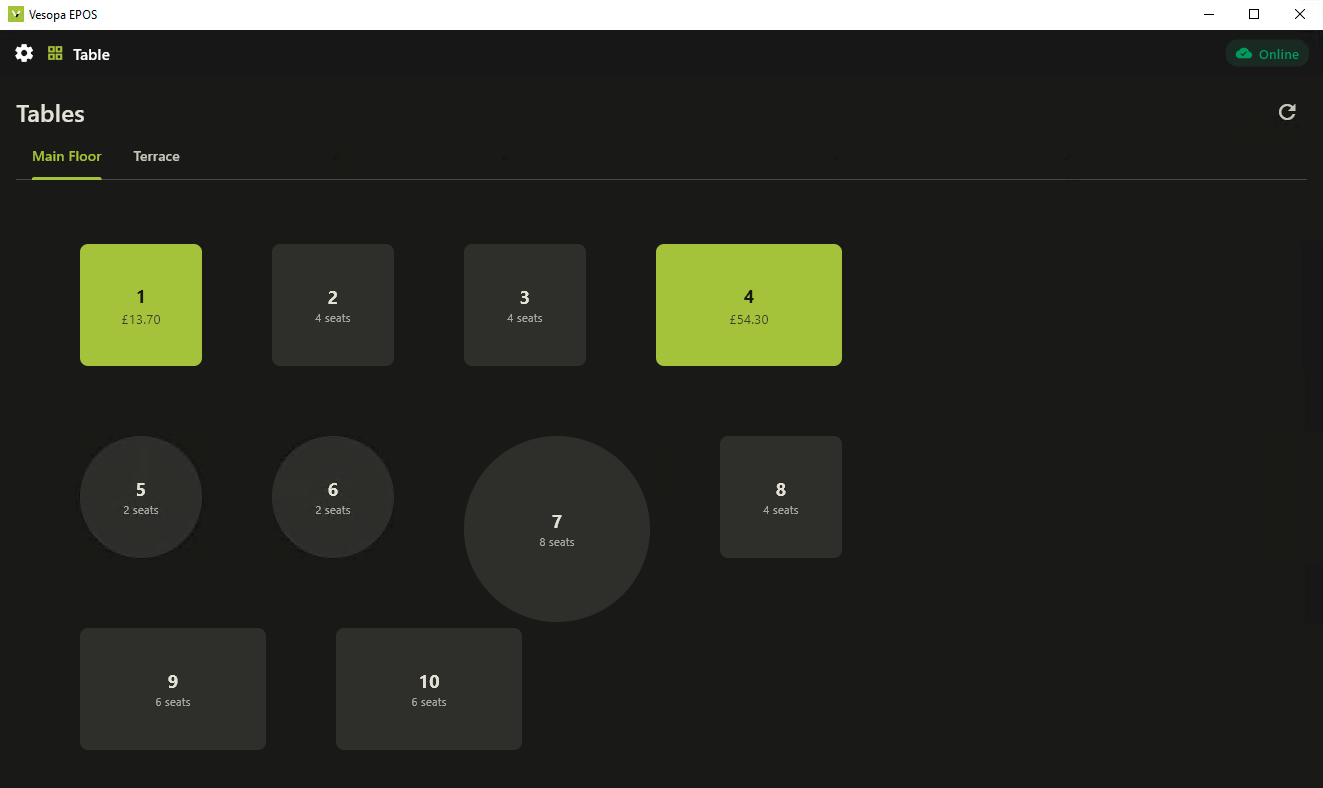
5. Table View and Floor Plan Synchronization
Stabilized real-time Table Plan synchronization with the Back Office, resolving tab transfer lags and improving multi-terminal floor status accuracy.
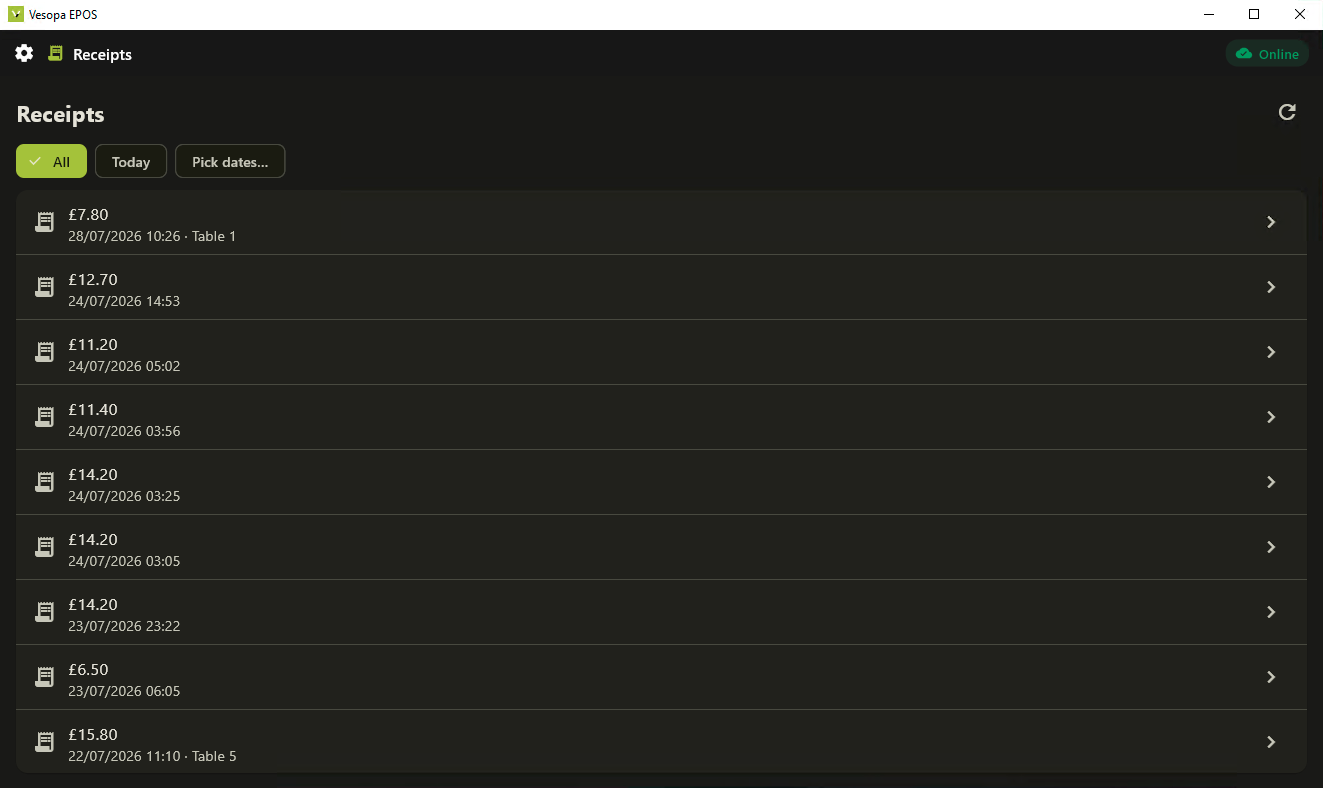
6. Centralized Receipt History Suite
Streamlined the Receipt management interface for fast transaction auditing, historical check lookups, direct re-prints, and till void reviews.
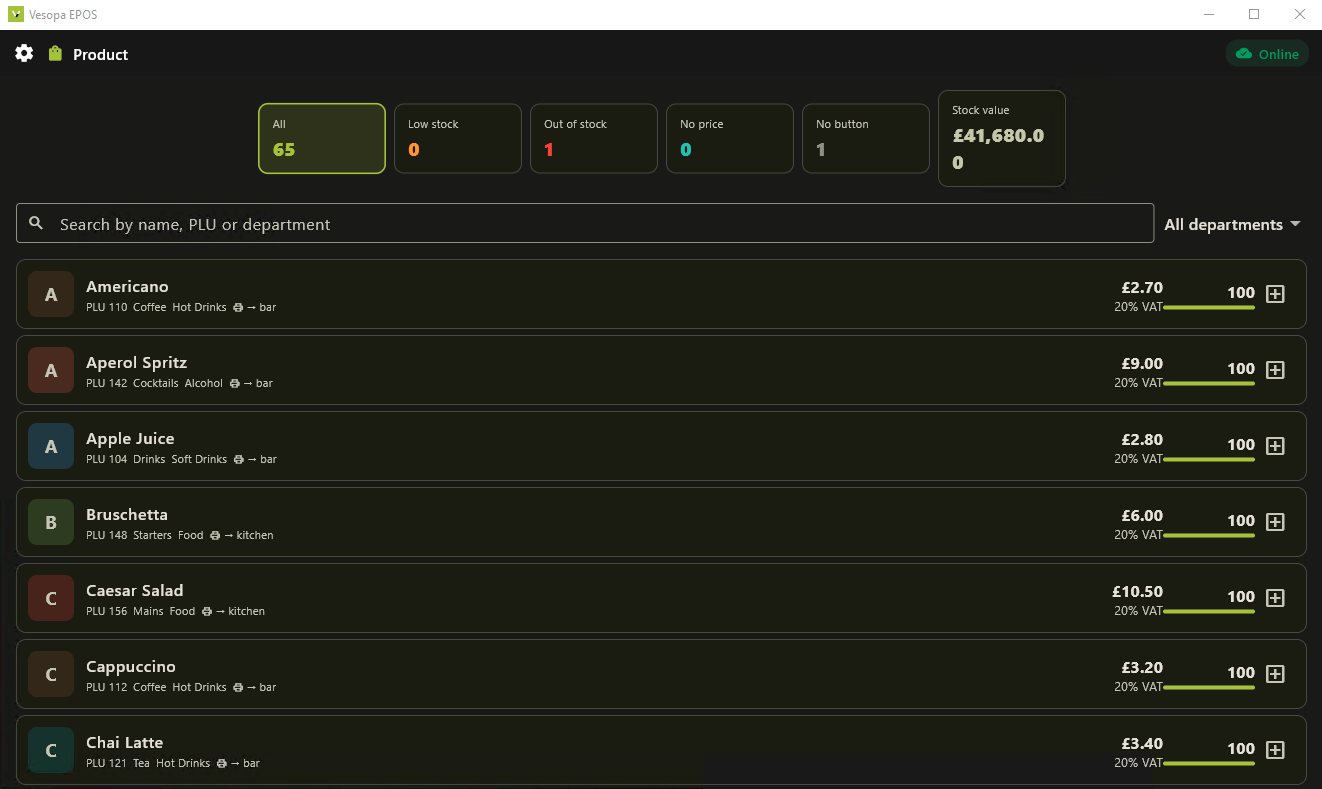
7. Products Scene and Custom Button Media
Enabled custom image assignment directly to product and category touch buttons, allowing cashiers to conduct visually guided checkouts faster.
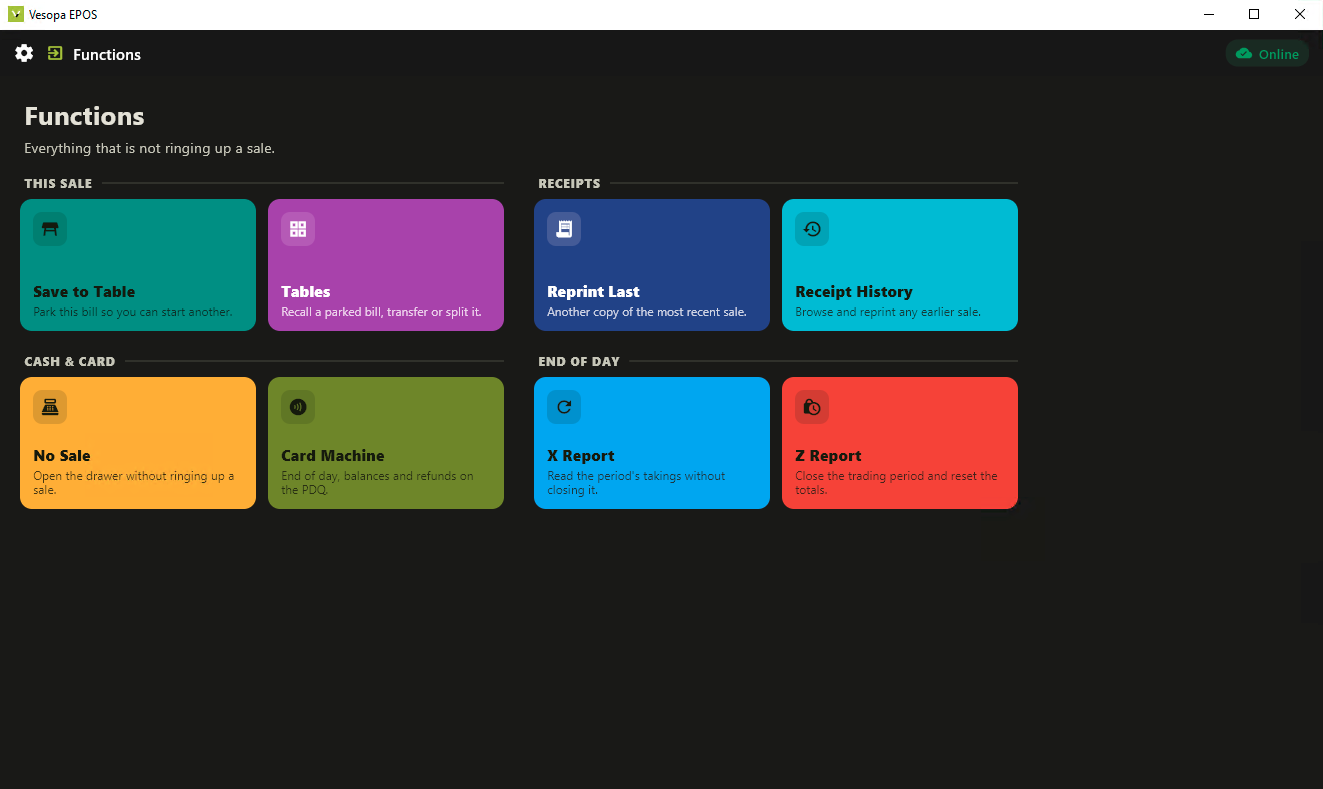
8. Functions Scene and Precision Order Controls
Refined the Void function to precision-remove only selected items from active checks, and added a dedicated one-touch Cancel button to instantly clear sales.
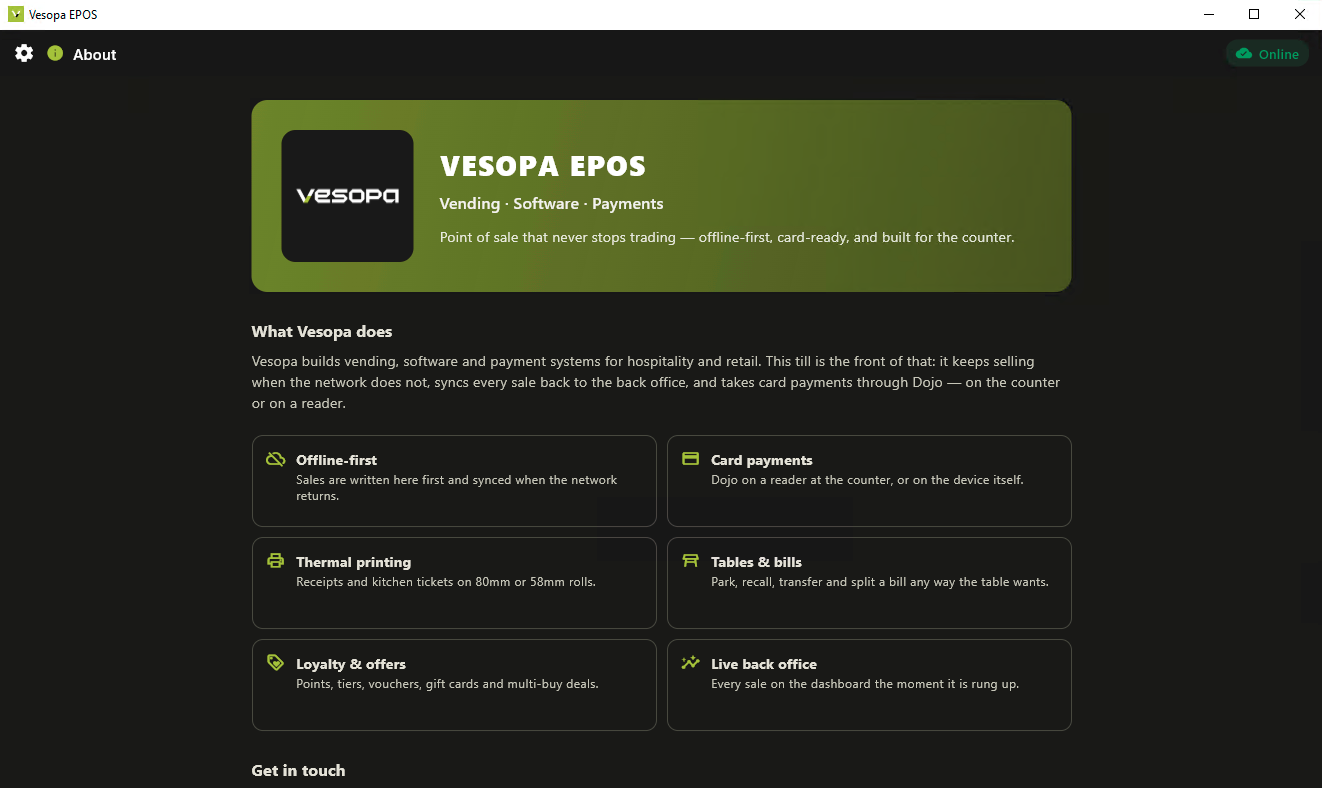
9. Vesopa About Page and Brand Refresh
Applied updated brand guidelines and vector assets throughout the software, featuring a redesigned About panel showing build versioning and system diagnostic status.
⚙️ Additional Engine and Back-Office Extensions
- Loyalty System Fixes: Resolved Loyalty Discount calculation behavior during split tenders.
- Admin Package Management: Added central package distribution and notification management tools in the Back Office Admin portal.
How to Update to Version 1.1.0
- Open the Microsoft Store app on your Windows POS terminal.
- Go to Library then Get Updates (or search for "Vesopa EPOS").
- Click Update / Download to apply all new features immediately!