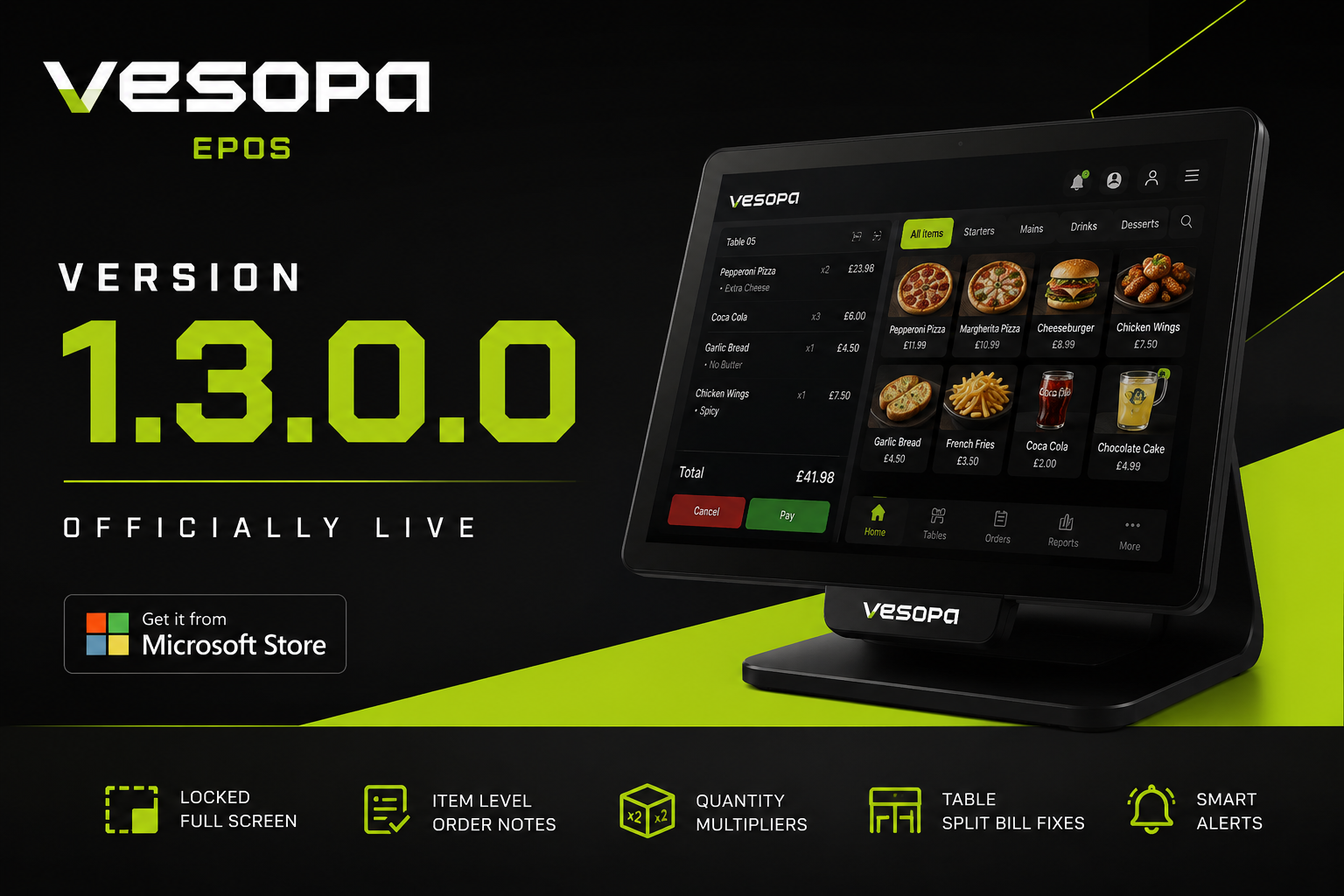
Vesopa EPOS Version 1.3.0.0 is officially live and published on the Microsoft Store. This milestone release brings a locked full screen experience for terminal security, item level kitchen notes, advanced cart quantity controls, and critical table split bill fixes directly to your checkout counters.
Version 1.3.0.0 Is Ready for Download
Existing store terminals will update automatically in the background. You can also fetch the update manually from the Microsoft Store today.

What is New in Version 1.3.0.0
1. Secure Full Screen Mode and New Starting Screen
To prevent staff from accidentally minimizing the app or altering Windows OS settings during service, Vesopa EPOS now launches into a locked full screen environment. Closing or exiting the app is securely protected inside the manager Settings menu.
2. Advanced Cart and Quantity Multipliers
Ringing up bulk items is now faster than ever with our quantity multiplier. Cashiers can also use new intuitive touch gestures: tap any cart item to adjust quantities or modifiers, or long press to deselect immediately.
3. Item Level Order Notes
Custom preparation requests such as Extra Sauce or No Onions now attach directly to specific line items on the register screen and print clearly on kitchen order dockets.
4. Centered System Alerts and Payment Controls
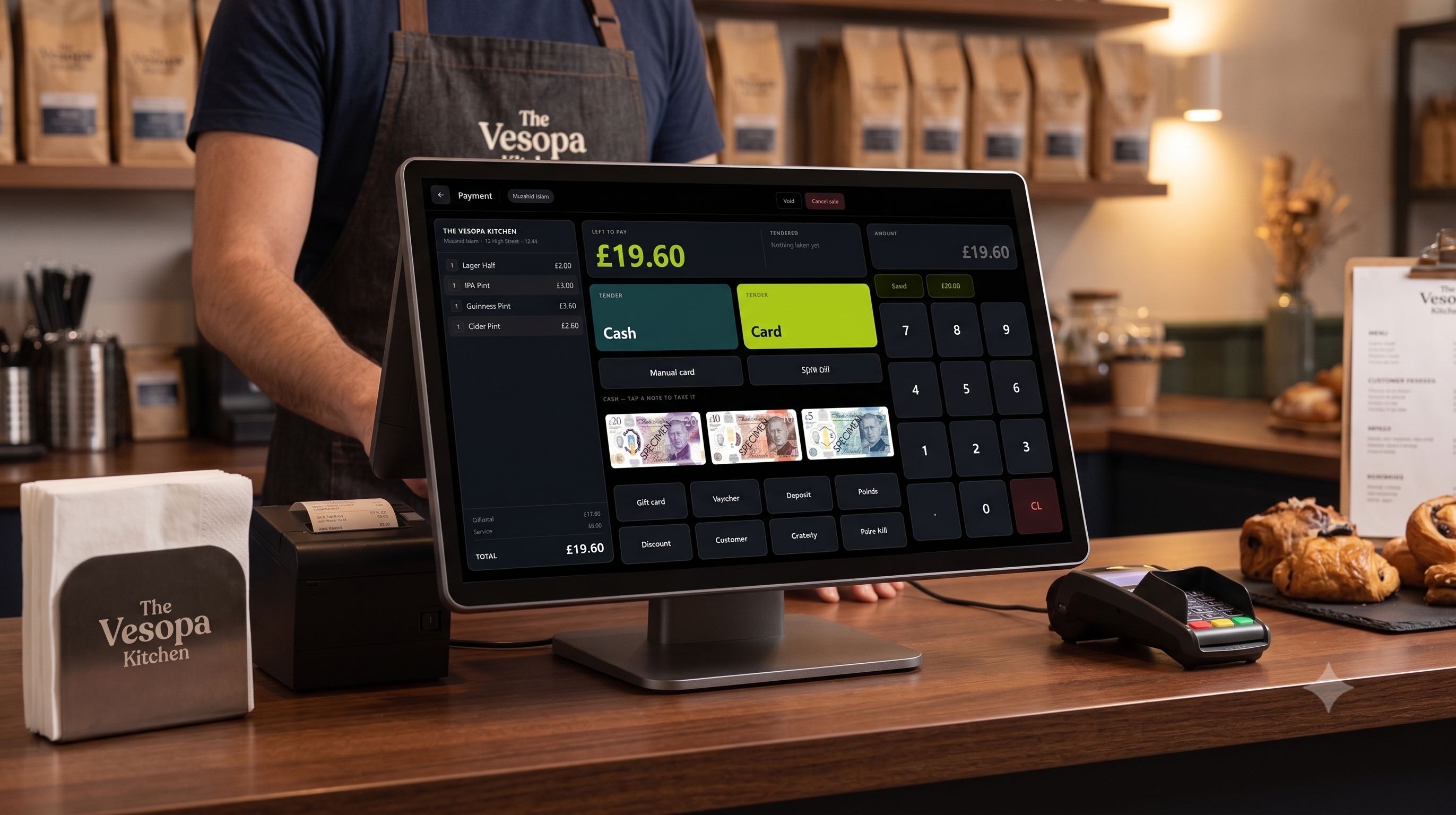
System notification popups have been re-centered so they no longer block checkout buttons. We have also placed Void and Cancel controls directly on the payment screen for faster workflow corrections.
5. Table Plan and Split Bill Fixes
Resolved an issue where paying a partial split bill accidentally cleared remaining table balances. Table state tracking is now fully synchronized, making it simple to append new rounds of drinks or food to active tabs.
6. Dynamic Category UI Scaling
Right hand category buttons now feature dynamic font scaling, ensuring text stretches to comfortably fill the button box for optimal legibility across 10 inch to 22 inch touch monitors.
How to Update Your Terminals
- Open the Microsoft Store app on your Windows terminal or PC.
- Go to Library then Get Updates.
- Click Update next to Vesopa EPOS to install Version 1.3.0.0 immediately.