We are thrilled to announce that Vesopa EPOS Version 1.3.0.0 is finalized and currently rolling out across the Microsoft Store network! This build introduces a locked full-screen launcher mode, item-level order notes, enhanced cart gestures, and crucial table and split-bill fixes.
🚀 Version 1.3.0.0 Update Rolling Out
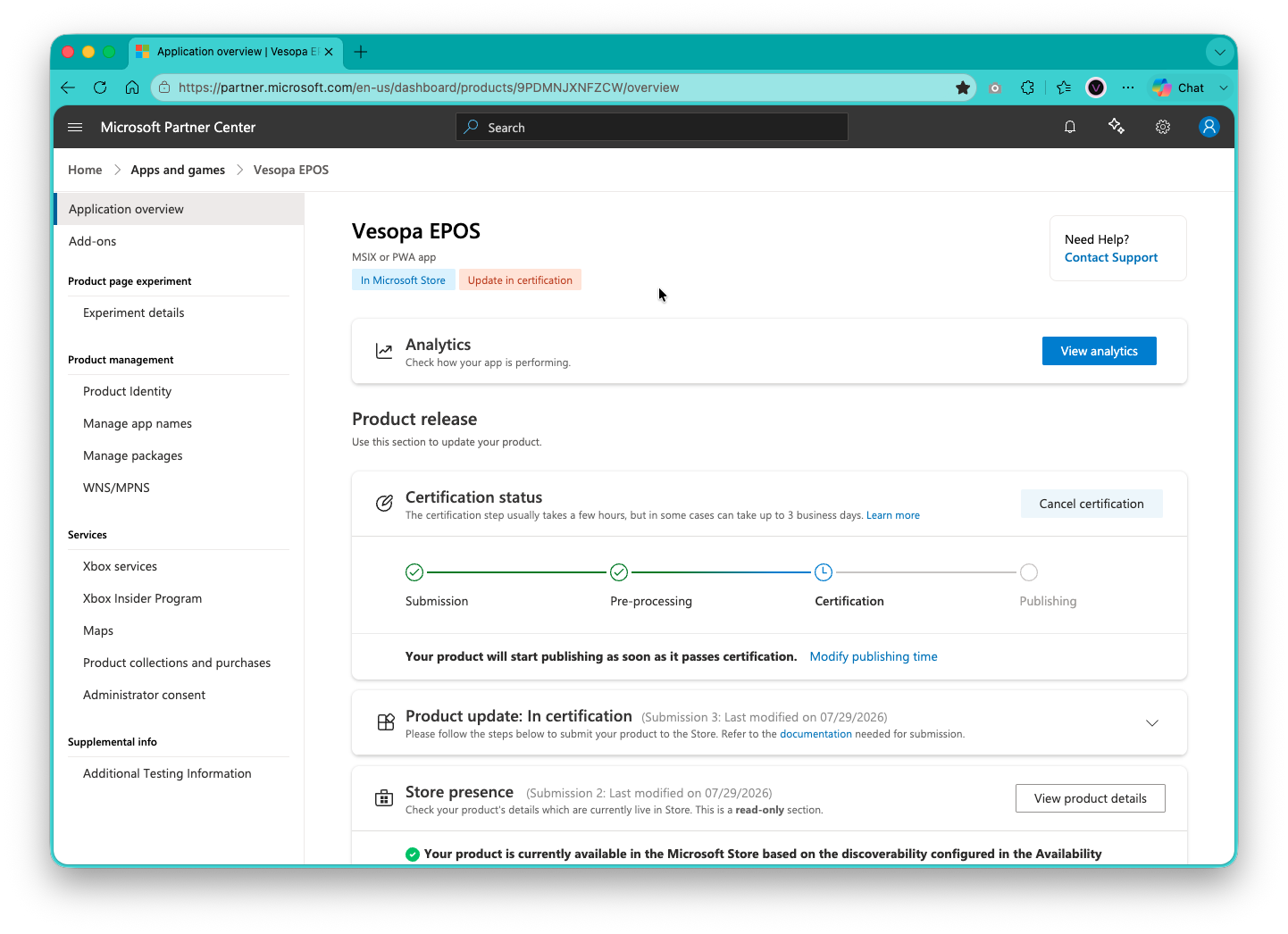
Terminals connected to the Microsoft Store will update automatically once certification completes. You can also test the preview build today!
✨ Key Improvements in Version 1.3.0.0
🔒 Secure Full-Screen Mode and New Starting Screen
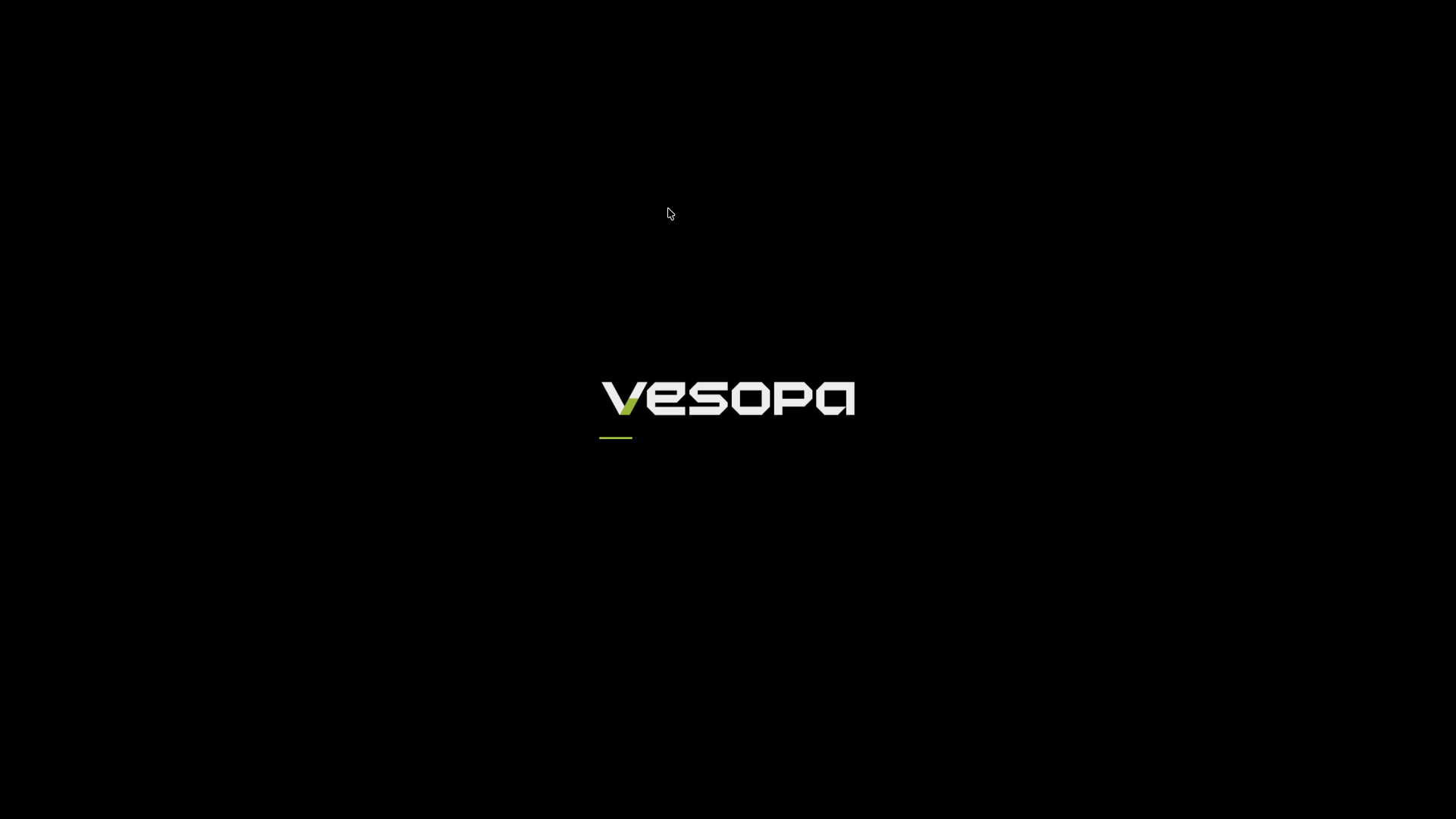
To prevent staff from accidentally exiting the software or tampering with the underlying Windows OS during busy trading hours, Vesopa EPOS now launches directly into a locked, borderless full-screen startup environment. To close or minimize the application, managers can access the protected Exit control safely tucked inside the Settings menu.
The updated borderless startup experience engineered for locked POS touch terminals.
⚡ Advanced Cart and Quantity Multipliers
Speed up bulk item entry with our new dedicated QTY multiplier. We’ve also added fluid cart gestures: tap any order item to select and edit modifiers, or long-press to deselect immediately.
📝 Item-Level Order Instructions
Special preparation instructions now attach directly to individual line items on both the register screen and kitchen thermal receipts, resolving previous missing instruction bugs.
💳 Centered System Alerts and Direct Voiding
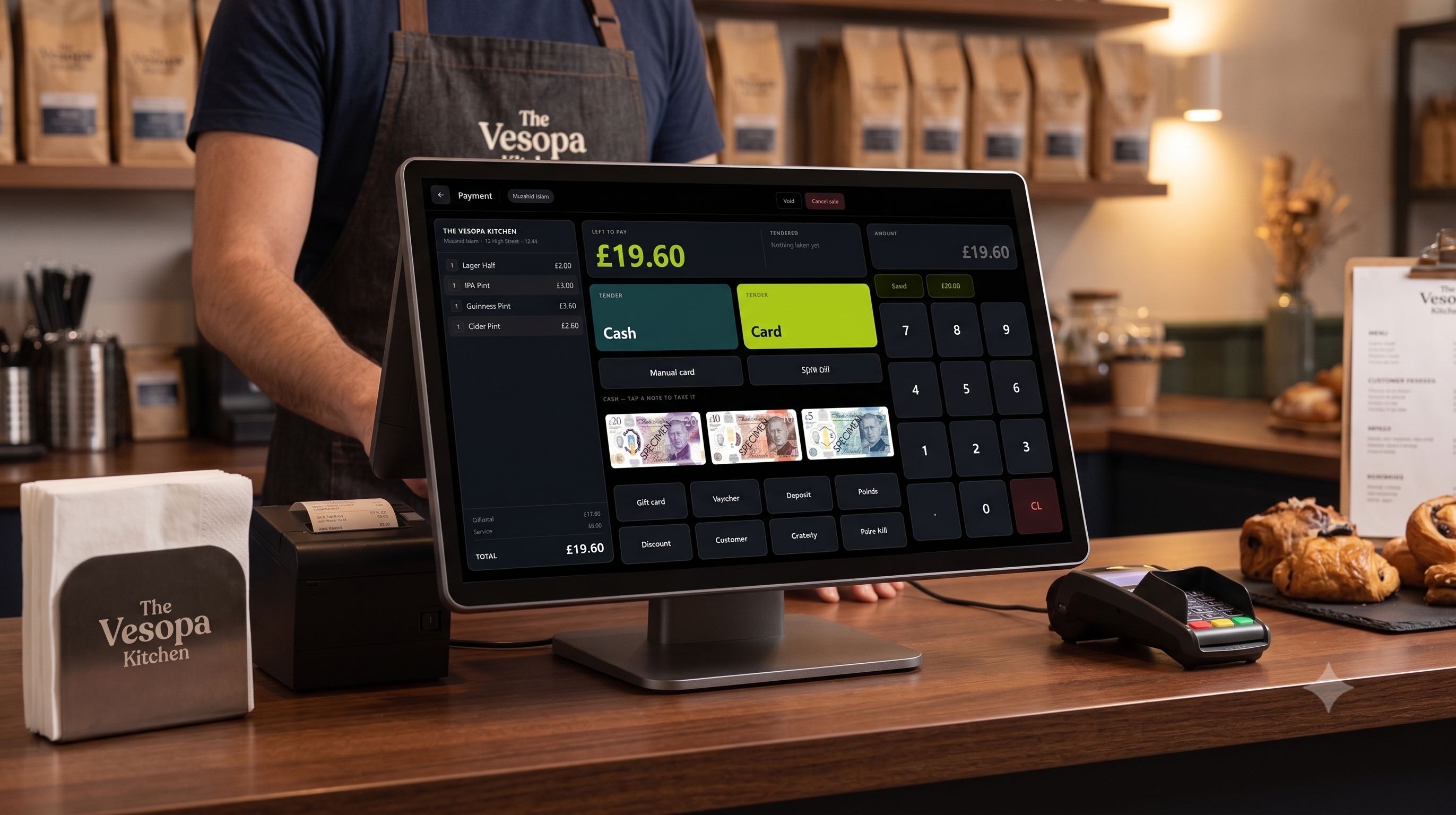
Re-positioned system popups to the screen center so they no longer cover checkout action buttons. Additionally, Void and Cancel options are now accessible directly on the main payment screen.
🍽️ Table Plan & Split Bill Fixes
Fixed a calculation bug where paying a split bill inadvertently cleared remaining table balances. Appending new rounds of items to open dining tables is now completely seamless.
🎨 Dynamic Category Button Scaling
Right-hand category buttons now auto-scale typography to fill the button containers perfectly, maximizing visual legibility on high-resolution monitors and small POS panels alike.
How to Get Version 1.3.0.0
- Open the Microsoft Store app on your Windows terminal.
- Navigate to Library then Get Updates and update automatically.
- Or download the direct Installer Preview Executable for immediate manual deployment.