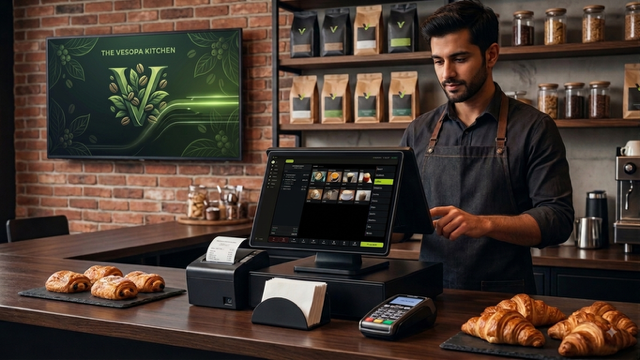

Vesopa EPOS Version 1.3.1.0 is finalized and currently rolling out across the Microsoft Store network. This major update introduces branded venue idle screens, personal staff PIN sign on security, automatic inactivity sign off, streamlined payment confirmation workflows, enlarged check views, and per item staff tracking.

Version 1.3.1.0 Update Rolling Out
Terminals connected to the Microsoft Store will receive the update automatically once certification finishes. You can also download the early preview build or configure staff settings in the Back Office today.
Download Early Preview Installer Manage Staff in Back Office Microsoft Store Page
What is New in Version 1.3.1.0
1. Branded Idle Screen and Saver Mode
The till now transitions to a screen saver after every completed sale, presenting either your custom venue background image or the built in Vesopa display. You can upload a background once for the entire venue in the Back Office or set it locally from an individual terminal file.
2. Staff PIN Sign On Security
A dedicated Staff management module is now available in the Back Office where each team member is assigned a name and a unique 4 digit PIN code. Simply touch the idle screen to open the PIN pad and sign on. Dedicated Sign On and Sign Out buttons are also available on the main menu and Functions page.
3. Automatic Sign Off and Session Preservation
Staff members are automatically signed off after three minutes of terminal inactivity, which can be configured per venue. The active check on screen remains untouched so whoever signs on next can resume order entry immediately without disrupting open cash sessions.
4. Faster Payments and Instant Change Calculations
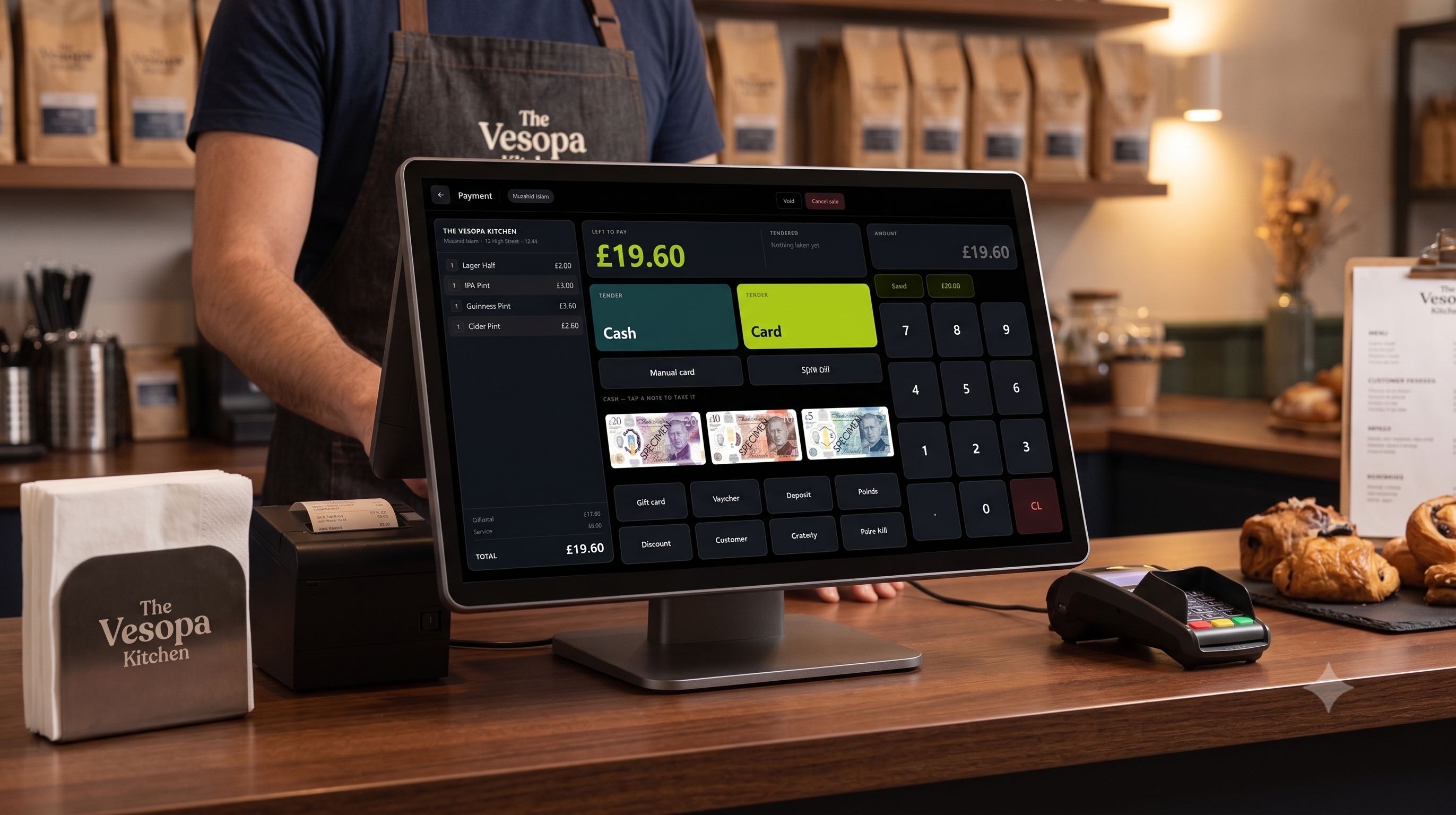
Payment confirmation popups have been removed for cash, bank notes, and custom tenders to speed up queue processing. Card payments retain a single confirmation dialog for security. Completing a cash transaction displays a prominent box with the exact change to return, while any tender shortfall is updated live as amounts are keyed in.
5. Larger Check View and Payment Keys
Check typography now scales dynamically to display roughly 15 line items on a standard 15 inch terminal screen while remaining clear and legible. Additionally, Cash and Card payment buttons have been made substantially larger for effortless touch selection.
6. Per Item Staff Tracking
Saved table bills now display the staff name and timestamp directly above the specific items they added. This ensures clear order auditing when multiple servers handle the same table. Final printed receipts credit whichever employee was signed on at the time of order entry.
7. Interface and Real Time Sync Fixes
Removed the redundant New button from the top right navigation bar. Staff profiles and PIN updates now synchronize automatically during terminal startup, network reconnects, and the instant changes are saved in the Back Office.
How to Configure Staff and Update Terminals
- Log into your Vesopa Back Office account to add staff names and set individual 4 digit PINs.
- Open the Microsoft Store app on your Windows terminal and check for updates.