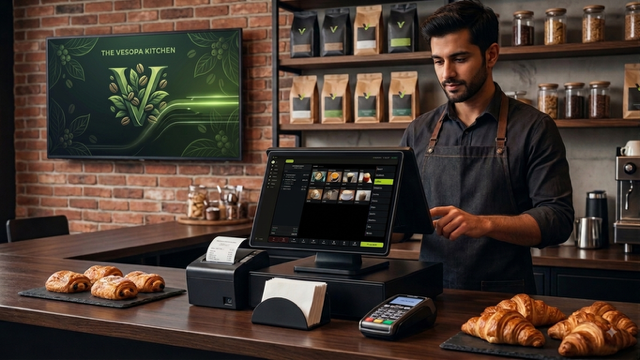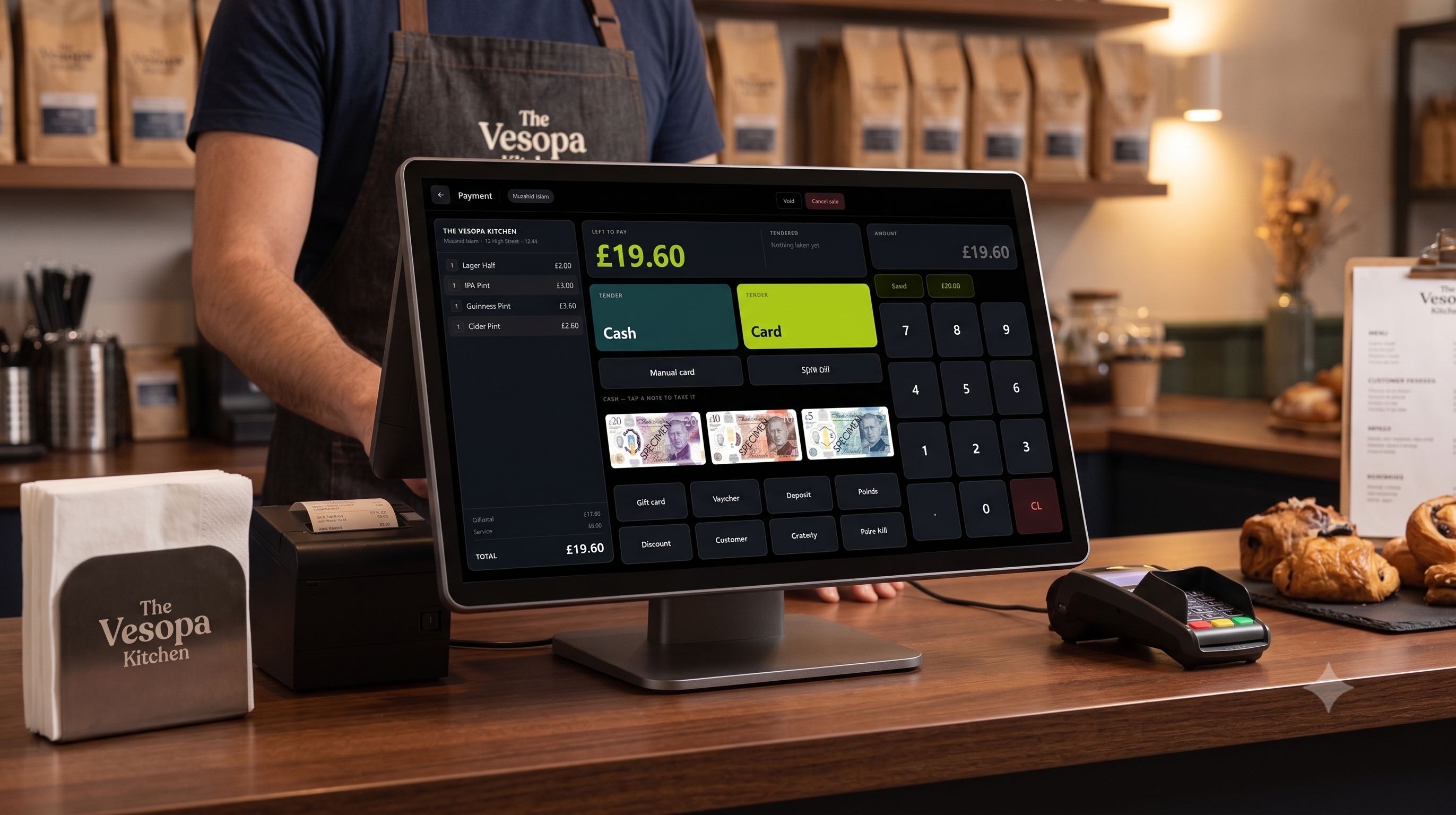

Vesopa EPOS Version 1.3.2.0 is officially published and live in the Microsoft Store. This update incorporates venue feedback, delivering higher contrast PIN pad buttons, one touch quick cash note keys, tailored UK currency layouts, adjustable change window timers, instant Back Office idle screen syncing, and faster note image loading.
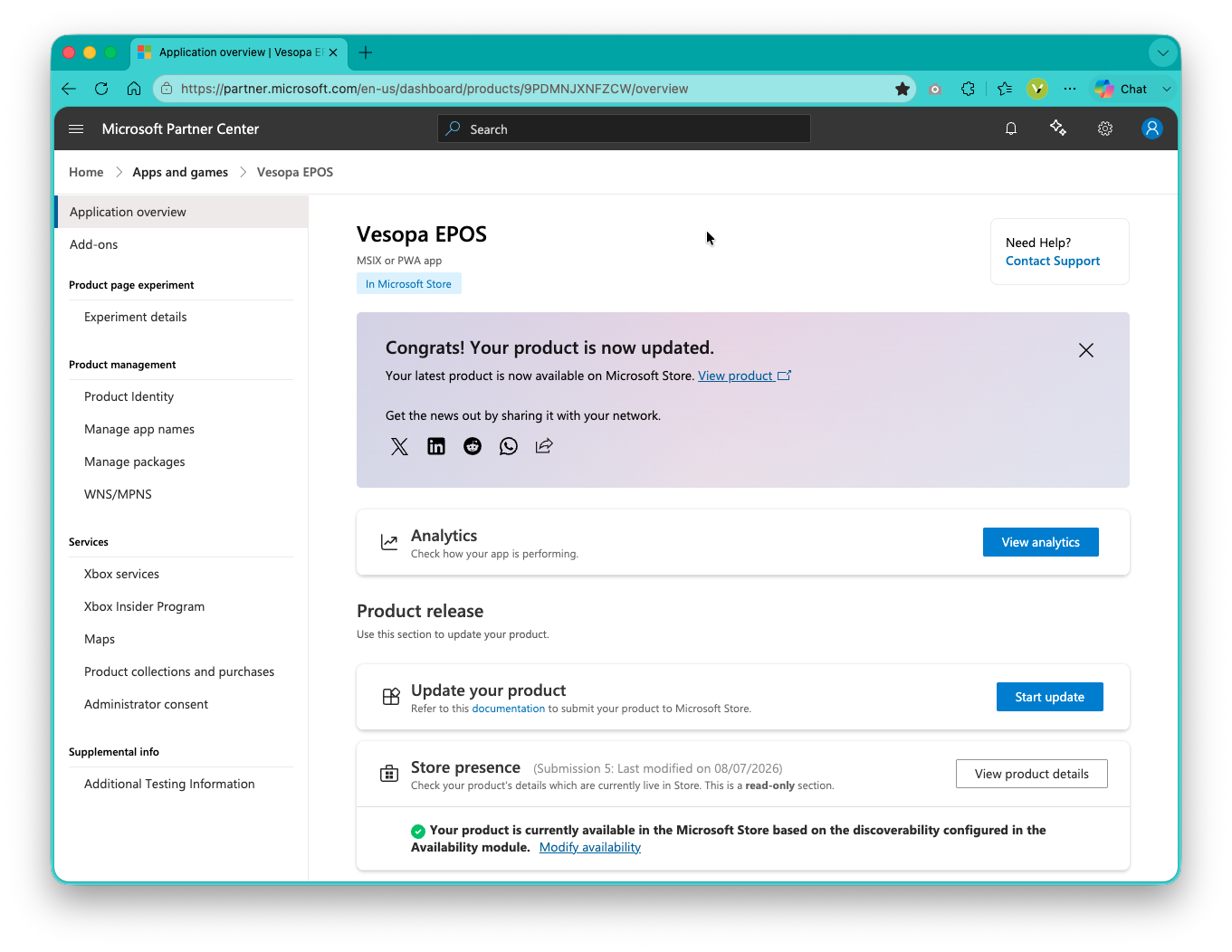
Vesopa EPOS Version 1.3.2.0 publication completed in the Microsoft Store.
What is New in Version 1.3.2.0
1. Less Transparent Sign On Pin Pad Buttons
Adjusted button transparency on the staff sign on PIN pad. Buttons are now solid and less transparent, providing high visibility and touch precision under bright venue lighting.
2. One Touch Quick Cash Note Buttons
Note keys now operate as direct quick cash triggers. Tapping a note value, such as 20 pounds, processes 20 pounds straight off without requesting secondary confirmation dialogs.
3. Optimized UK Currency Button Layout
Removed 50 pound note options from quick cash keys and note buttons to streamline UK operations, where 50 pound notes are rarely presented.
4. Larger Change Display and Adjustable Auto Sign Off Timer
Enlarged the change display window for better clarity. Added an adjustable timer setting in Back Office, allowing venues to customize how long the change window stays visible before automatically signing off staff and returning to the idle screen.
5. Instant Back Office Idle Screen Syncing
Fixed real time synchronization between the Cloud Back Office and till terminals. Idle screen background graphics assigned in the admin portal now update instantly on active till displays.
6. Faster Image Rendering for Notes
Optimized image rendering on order notes. Custom icons and instruction media attached to item notes now load instantly without visual delay.
How to Update Your Terminals
- Open the Microsoft Store app on your Windows till terminal.
- Navigate to Library and click Get Updates.
- Click Update next to Vesopa EPOS to install Version 1.3.2.0.